
Hey folks,
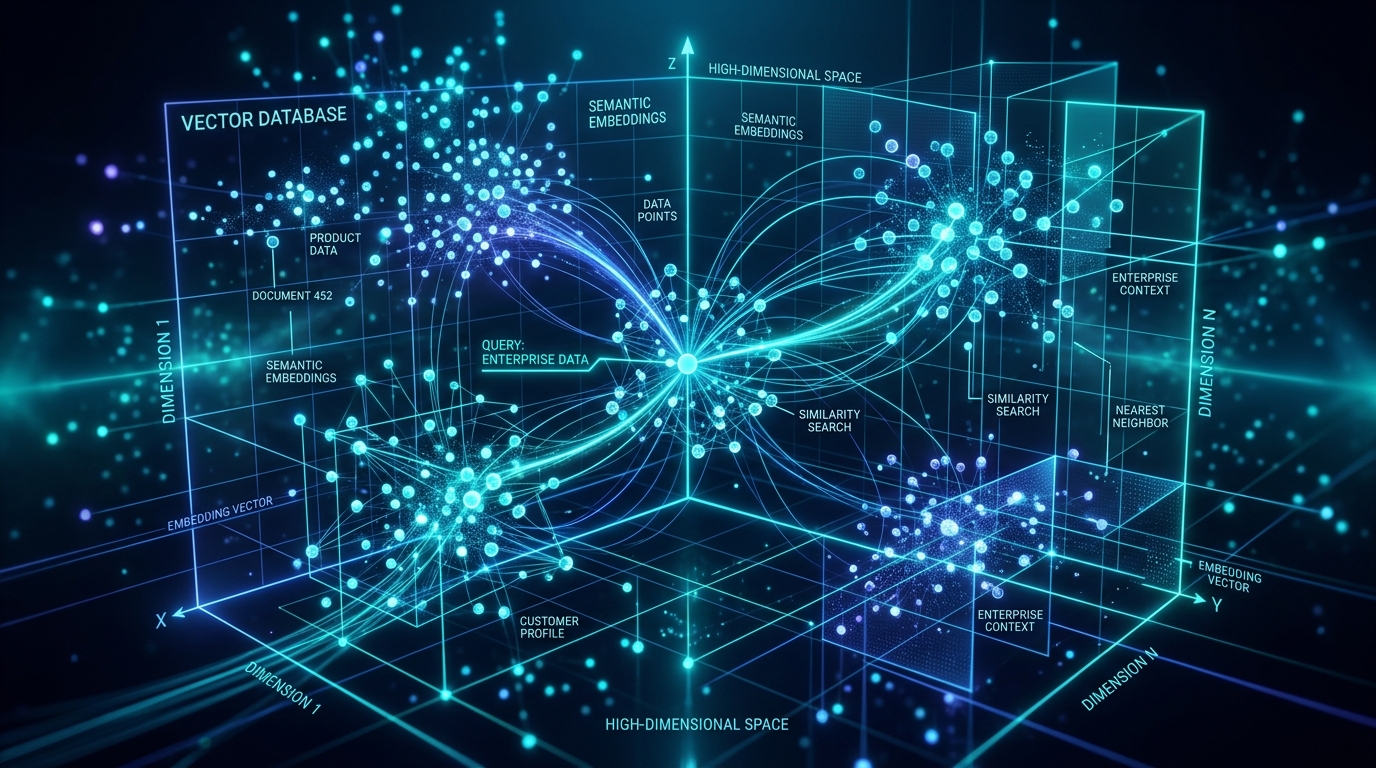
If you’ve been in any architectural syncs lately involving GenAI, RAG (Retrieval-Augmented Generation), or just trying to make sense of the absolute deluge of unstructured data we handle daily, you’ve probably heard the term “vector database” thrown around. A lot.
As enterprise developers, it’s easy to get cynical about new database paradigms. We’ve survived the NoSQL craze, the graph database hype cycle, and everything in between. So, is a vector database just another shiny toy, or is it actually critical infrastructure? Let’s cut through the marketing noise and look at what it actually is and how we’re using it in production at scale.
What Actually is a Vector Database?
At its core, a traditional relational database (like PostgreSQL or MySQL) is great at finding exact matches. You query WHERE user_id = 12345 or LIKE '%error%'. It’s deterministic. It’s looking for structured, keyword-based overlaps.
A vector database, on the other hand, is built for similarity search. It doesn’t look for exact string matches; it looks for conceptual closeness.
Here is how it works under the hood:
- Embeddings: We take unstructured data—text, images, audio, or user behavior logs—and pass it through a machine learning model (like OpenAI’s
text-embedding-ada-002or open-source equivalents). - Vectors: The model outputs a “vector embedding,” which is simply a long array of floating-point numbers (often 768 or 1536 dimensions). This array represents the semantic meaning of the data in high-dimensional space.
- Storage & Indexing: The vector database stores these massive arrays and indexes them using algorithms like HNSW (Hierarchical Navigable Small World).
- Querying: When a user searches for something, we convert their query into a vector too. The database then calculates the mathematical distance (using Cosine Similarity, Euclidean distance, or Dot Product) between the query vector and the stored vectors. The closest ones are your results.
TL;DR: Traditional DBs find things that look the same. Vector DBs find things that mean the same.
Real-World Usage: Where do we actually need this?
You don’t need a dedicated vector database for everything. If you’re building a small prototype, just slap the pgvector extension on Postgres and call it a day. Here is what that looks like in SQL:
CREATE EXTENSION vector;

CREATE TABLE documents (
  id bigserial PRIMARY KEY,
  content text,
  embedding vector(1536)
);

-- Find the 5 most similar documents
SELECT id, content
FROM documents
ORDER BY embedding <-> '[0.1, 0.2, ...]'
LIMIT 5;
But when you’re dealing with hundreds of millions of vectors and need sub-millisecond latency, you start looking at purpose-built solutions like Milvus, Pinecone, Qdrant, or Weaviate. Here is what we are actually using them for in the enterprise:
1. RAG (Retrieval-Augmented Generation)
This is the big one right now. LLMs hallucinate, and they don’t know our proprietary internal company data. When an employee asks an internal chatbot, “What is the new remote work policy for Q4?”, we don’t just ask the LLM. We:
- Turn the question into a vector.
- Query our vector database (which has indexed all our HR docs, Confluence pages, and Jira tickets).
- Retrieve the top 5 most semantically relevant document chunks.
- Feed those chunks to the LLM and say, “Answer the user’s question using ONLY this context.”
# 1. Embed the query
query_vector = get_embedding("What is the new remote work policy for Q4?")

# 2 & 3. Search the vector database
top_chunks = vector_db.search(query_vector, limit=5)
context = "n---n".join([chunk.text for chunk in top_chunks])

# 4. Generate the final answer
prompt = f"Answer the question using ONLY this context:n{context}nnQuestion: What is the new remote work policy for Q4?"
response = llm.generate(prompt)
2. Next-Gen Recommendation Engines
Collaborative filtering is great, but we can do better. We embed our products (based on descriptions, image features, and categories) and we embed our users (based on their browsing history). When a user visits the homepage, we do a nearest-neighbor search in the vector database to instantly find products whose vectors are closest to the user’s vector. It’s incredibly fast and naturally captures subtle preferences that rules-based engines miss.
3. Semantic Enterprise Search
Ever tried to search for “authentication issues” in Jira, but the ticket was logged as “login failure”? A traditional keyword search fails. A vector database knows that “authentication issues” and “login failure” occupy the same semantic neighborhood in vector space and returns the right ticket instantly.
4. Anomaly and Fraud Detection
In cybersecurity and fraud detection, normal behavior clusters together in vector space. When a transaction or network request happens, we vectorize it. If it lands way out in the middle of nowhere—mathematically distant from the user’s typical cluster—it gets flagged for review immediately.
The Architect’s Takeaway
Vector databases aren’t replacing our relational databases or data warehouses. They are specialized analytical engines sitting alongside them, specifically designed to give our AI models long-term memory and fast access to unstructured data.
Before you introduce a new piece of infrastructure to the stack, ask yourself: Are we hitting the limits of keyword search? Do we need to search by meaning, image, or context? Are we scaling our GenAI workloads? If the answer is yes, it’s time to get comfortable with vectors.
Catch you in the next PR review.